Introduction: The Map Matters More Than the App
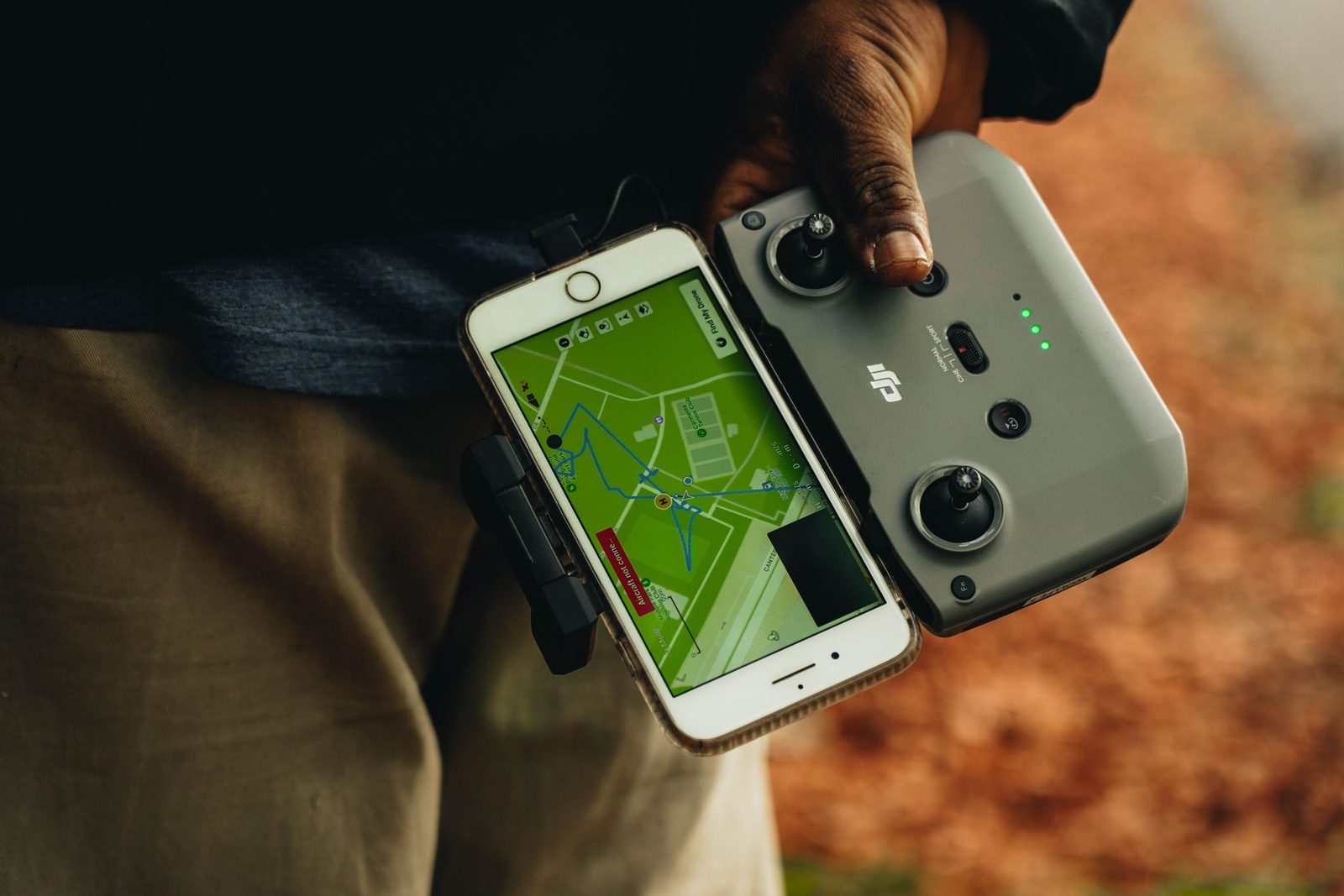
The most important digital tool for a European drone flight is the official UAS geographical-zone publication for the country where the aircraft will fly. It may be delivered as an app, a mobile website or an online map. The brand and interface are secondary; authority, update status and the conditions behind each polygon are what matter.
No single consumer app is the legal source for every European country. EASA’s National Aviation Authorities directory is the best starting point because it links pilots to the responsible national authority and its current “where you may fly” resource. Build the rest of your toolkit around that official source.
Use the Official National Source First
Under Article 15 of Regulation 2019/947, Member States can create UAS geographical zones for safety, security, privacy or environmental reasons and must make the zone information publicly available in a common digital format. The remote pilot must obtain updated zone information before the operation and comply with it during the flight.
Open the country entry in EASA’s directory and follow its current map link. Our country guides also identify the authority and planning map, but the authority’s live publication has priority if a link, app name or condition changes.
What to read inside a zone
A colour alone is not an answer. Select the exact location and read:
- the horizontal boundary and any overlapping zones;
- the vertical limit and whether it is measured above ground or another reference;
- validity dates, active hours and temporary conditions;
- which drone classes or operation categories are covered;
- whether prior flight authorisation, notification or technical equipment is required;
- the authority and application route named in the zone details.
Repeat the check shortly before take-off. A screenshot made while planning a trip is useful evidence of preparation, but it does not replace a current check for temporary restrictions or emergency activity.
Manufacturer and Third-party Maps
Manufacturer geofencing can warn, limit or prevent the aircraft from taking off, but it is not permission to fly. A manufacturer database may use official data while still applying its own presentation and aircraft behaviour. Conversely, the absence of a manufacturer warning does not remove a national restriction, park rule, privacy duty or land-access condition.
Third-party planning tools can be useful for route drafting, terrain awareness, team coordination and record keeping. Treat them as secondary unless the national authority explicitly designates the service as its official publication. Check the data source, update time, geographic coverage and whether temporary zones are included before relying on any layer.
This guide previously listed changing consumer products as if they formed a stable European toolkit. The revised approach avoids recommending an app simply because it is popular. Tools are assessed by the authority and freshness of their data, not their download count.
Weather and Environmental Information
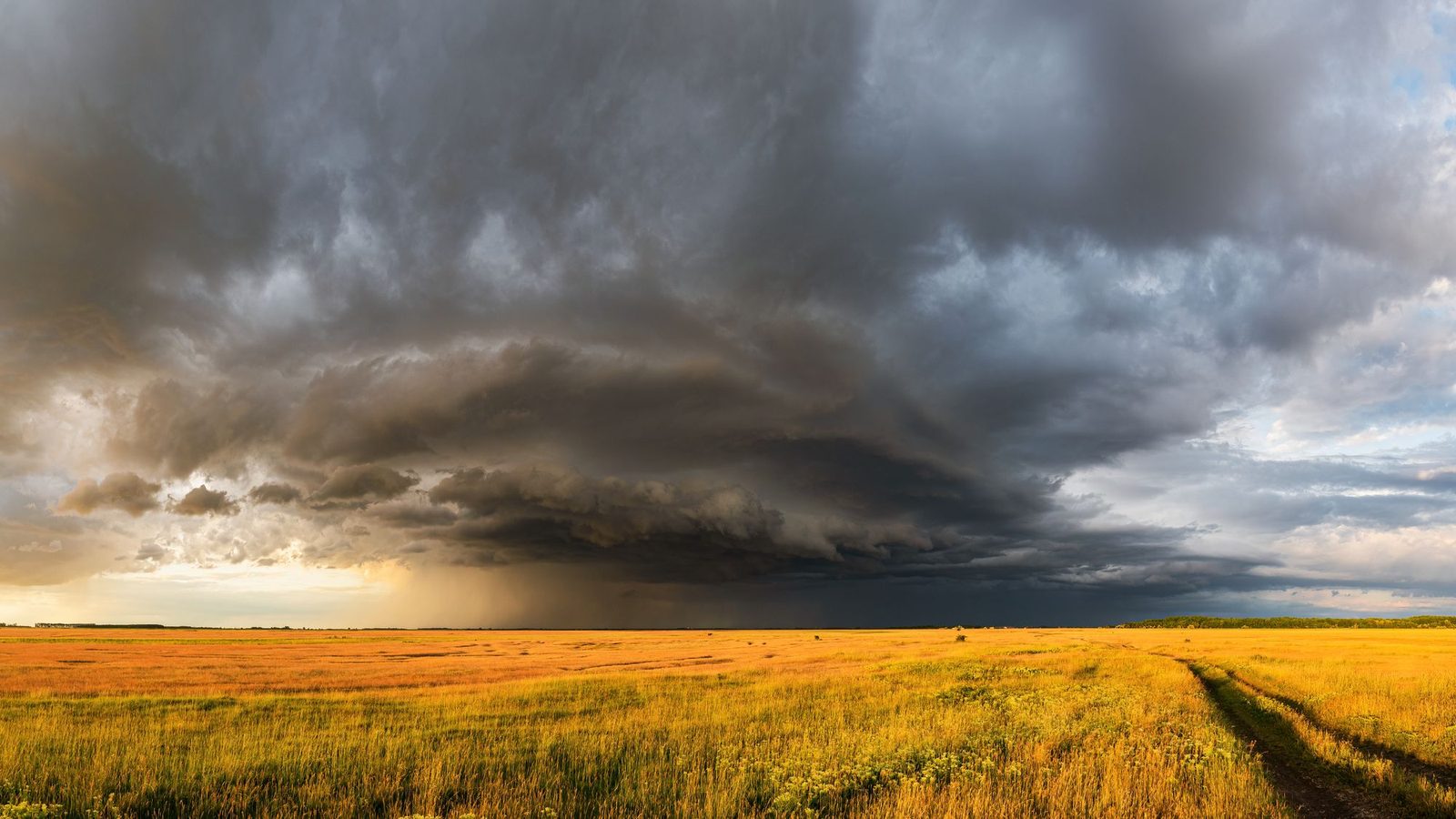
Use an official national meteorological service or a reputable aviation-weather source alongside the aircraft manufacturer’s operating limits. Check surface and height-dependent wind, gusts, precipitation, visibility, temperature and rapidly changing local effects such as sea breeze, mountain rotor or fog.
A generic green “good to fly” indicator cannot know the aircraft condition, pilot skill, recovery area or local terrain. Compare forecasts, inspect observations and set conservative personal limits. Cold, heat and wind affect battery reserve; weather suitability is a flight decision, not an app notification.
Flight Logging and Documentation
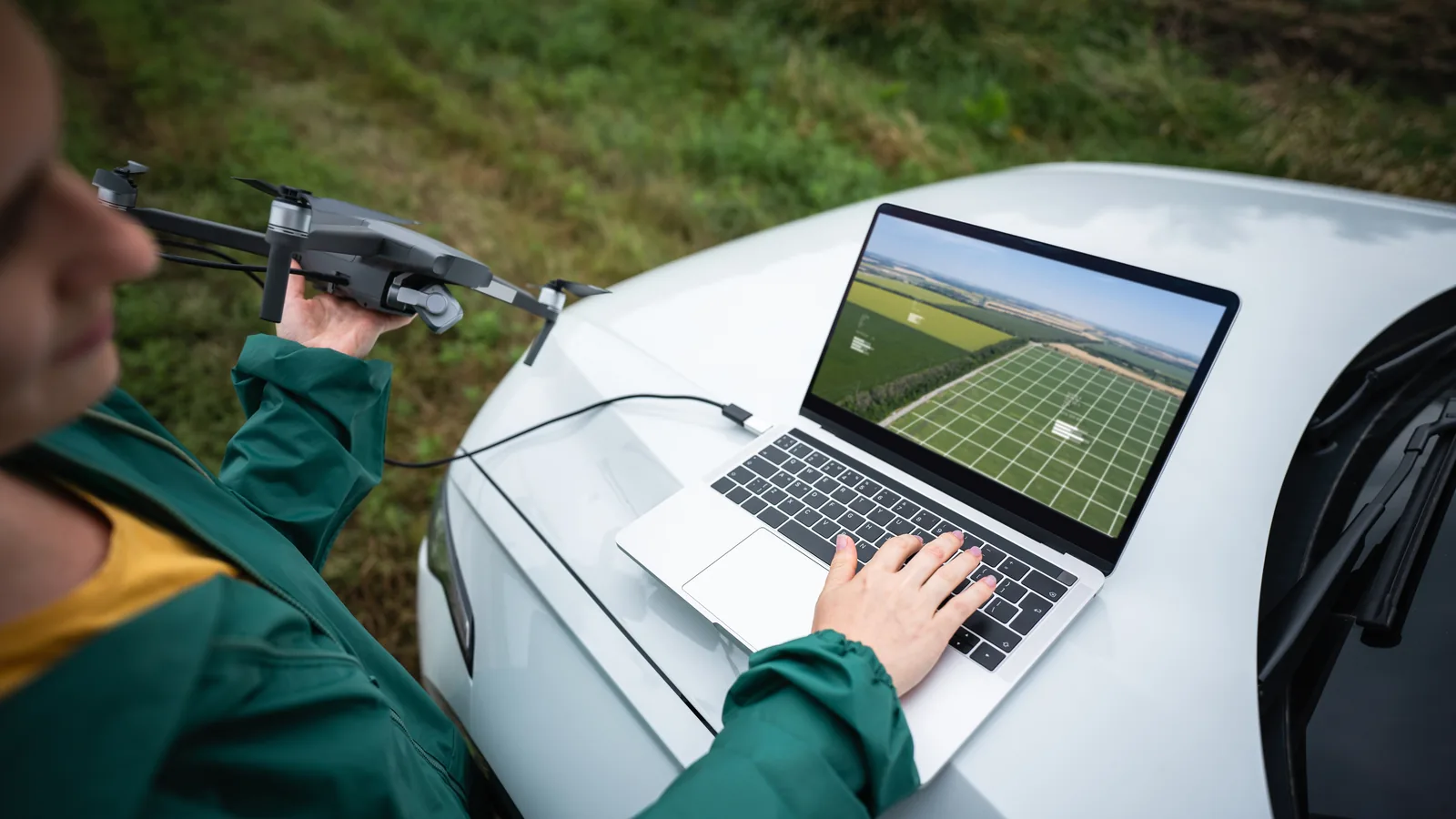
A log is valuable when an authorisation, client procedure or operating manual requires it, and it helps track batteries, maintenance and incidents. The appropriate level of detail depends on the operation. A simple record can include date, pilot, aircraft, location, purpose, flight time, battery identifiers, official-map check, permissions and unusual events.
Before sending logs to a cloud service, consider what personal or commercially sensitive data they contain: precise locations, client sites, operator identifiers and telemetry. Review retention, access control, export and deletion options. Keep a local export if the record must remain available after a provider changes or closes.
A Tool-independent Pre-flight Checklist
- Open the official national UAS map from the aviation authority.
- Select the exact route and read every overlapping zone condition.
- Check temporary notices and emergency restrictions through the official source indicated by the authority.
- Confirm park, heritage-site, municipal and launch-site rules separately.
- Check current weather and the aircraft’s limits.
- Confirm registration, competency, insurance and permissions.
- Inspect aircraft, propellers, batteries, return route and emergency landing area.
- Recheck people, wildlife and conditions on arrival.
A notes app, printed card or operations manual can hold this checklist. The value comes from completing it consistently, not from buying a specialised checklist app.
NOTAMs and Temporary Restrictions
NOTAMs are aeronautical notices, but raw NOTAM interpretation can be difficult and the national UAS map may provide more directly relevant drone conditions. Follow the aviation authority’s published planning workflow. If it directs drone pilots to an AIS or NOTAM service, use the official service and obtain help when the location, altitude reference or validity period is unclear.
Do not rely on an unofficial global NOTAM website as the sole source. Also remember that an emergency response area can become unavailable even if your earlier planning showed no restriction; EU operating rules prohibit flying close to or inside an active emergency response area without permission from the responsible service.
Recommended Toolkit by Function
- Legal location check: the destination country’s official UAS map or app.
- Authority directory: EASA’s NAA page for EASA Member States.
- Weather: the national meteorological service, supplemented by aviation observations where appropriate.
- Aircraft control: the manufacturer’s current flight application and firmware.
- Site rules: the park, municipality, heritage body or land manager’s official website.
- Records: a system you can export, secure and retain for the required period.
For multi-country travel, save the official authority and map links for each destination before departure. Do not assume that a tool used in one country carries official status across a border.
How to Evaluate a Drone App
Ask five questions: Who publishes it? Where does the zone data come from? When was it updated? Does it show full conditions and temporary validity? Can you reach the named authorising authority? If these answers are missing, use the app only as a convenience layer.
Update apps and offline data before travel, but confirm whether offline maps include temporary changes. Save evidence of permissions and key planning decisions, not just a colourful map screen. Never interpret “the drone allowed take-off” as a legal clearance.
Official Sources
- EASA: National Aviation Authorities and official country resources
- EASA: how to check UAS geographical zones
- EUR-Lex: Regulation (EU) 2019/947
Conclusion
The best drone app is the current official source for the place where you are standing. Add weather, aircraft and logging tools for their specific functions, while keeping the legal source hierarchy clear. This makes the toolkit more resilient than any fixed “top ten” list and gives the pilot a defensible planning record when services change.
Rules change and vary by country. Check the national authority before you fly — every country page links straight to it.